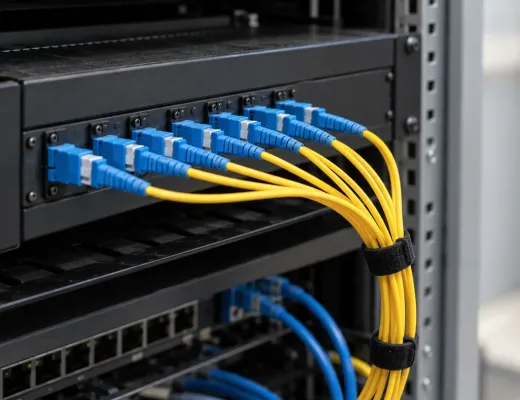
On a Tuesday morning, the office server won't start. Someone opens the backup folder and finds the latest copy is months old: the job that "ran every night" had been failing for a long time without telling anyone. That is the moment many managers finally start thinking about business cloud. It is better to think about it before it happens, not after.
What is business cloud, and how does it differ from an office server?
Business cloud is a service in which your servers, your data and your backups sit on infrastructure run by a provider, and you reach them over the internet instead of depending on a physical machine inside your office. The choice between an on-site server and the cloud is not about fashion: it is about deciding who maintains, monitors and recovers what keeps your business running.
With an office server, the company buys the machine, puts it in a cupboard or a spare room and trusts that someone will answer for it: an outside IT contractor, the administrator or "the one who knows". With a managed cloud, capacity is contracted according to the real workload, the provider watches over the service and the backups are checked. Cloud servers for business scale up or down when demand changes, without waiting for a contract renewal or a manual plan migration.
Four differences show it better than any definition:
- Backup: an automatic copy nobody checks versus verified copies, with a genuine integrity check.
- Access: relying on being in the office or on a clumsy VPN versus multi-device access from any location.
- When something fails: recovering data can take days, if it is possible at all, versus business continuity with your data always available.
- Billing: hidden usage charges that appear mid-month versus a fixed price, with no surprises.
What costs and risks does an office server hide?
The biggest risk is the backup that appears to work. It gets scheduled, a green notice appears and nobody looks at it again. Until you need to restore and find the files are incomplete, the important folder was never included or the copy sits on the very machine that has just failed.
The second cost is access. If the data lives in the office, working from home, from another site or from a phone needs a VPN that someone set up one day, that sometimes drops and that only its creator understands. Remote access to company data turns into a permanent support problem.
The third arrives on the day of the failure. A disk that dies, a power cut that damages the machine, an incident on the premises: with an office server, getting the information back can take days, if it is possible at all. And several days without contracts, invoices or customer histories are several days of business at a standstill.
Then there is what appears in no budget: kit that falls short when the company grows and gets replaced in a hurry, and usage charges that, with some services, turn up mid-month when nobody expected them. A fixed price, set after studying your real volume of data and users, removes that part.

On the day of the failure, what matters is not what you stored, but what you can open again.
What should a business cloud include to be secure and reliable?
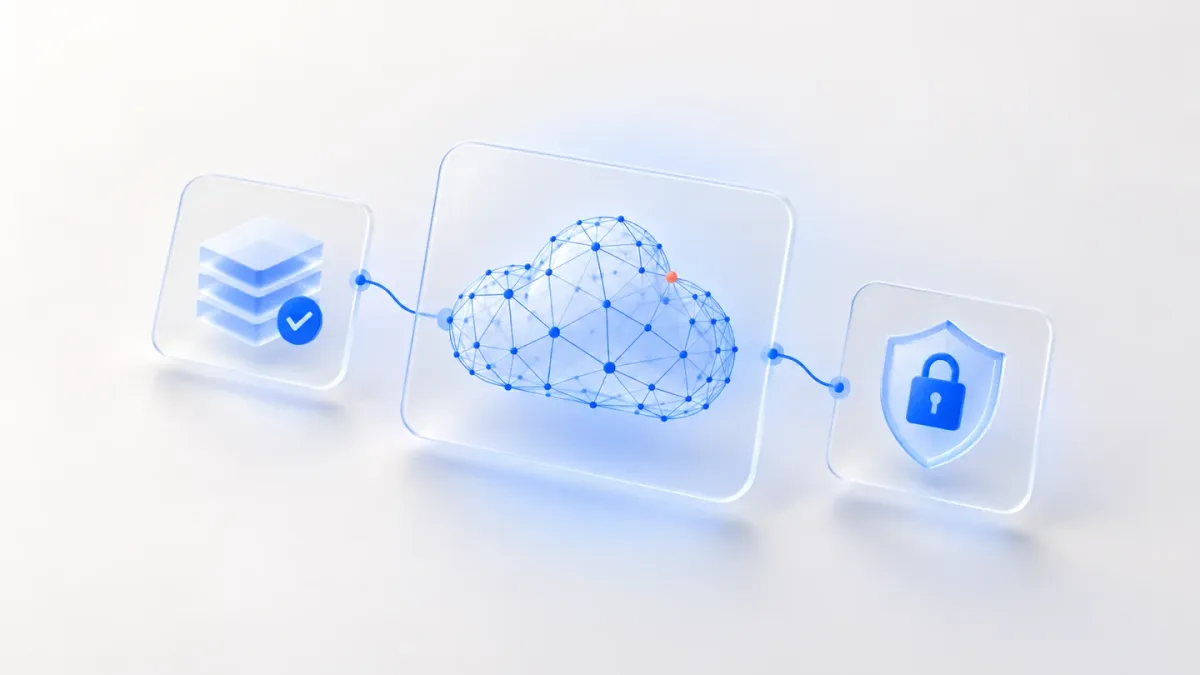
Four elements separate a real business cloud from a mere cloud storage space:
- Scalable servers: capacity matched to the real workload, with no paying for resources you don't use.
- Verified backup: automatic, regular copies, with an integrity check and proof that they can be restored.
- Security: encryption in transit and at rest, and per-user access control.
- Business continuity: data available after a failure or incident, reachable from a computer, phone or tablet.
A verified backup is a cloud backup that, besides running, is test-restored. That is the difference between having a scheduled task and having a backup. For business backup, the useful question is not "does it run?" but "have we ever restored it?".
Encryption in transit protects data while it travels between your device and the server; encryption at rest protects it while it is stored. Per-user access control means each person signs in with their own credentials and sees what is theirs, instead of sharing one password for the whole company. When someone leaves, their access is removed and nothing else changes.
There is a fourth piece, less technical and just as important: your data is yours at all times. If you ever stop working with Lynkio, we help you export or migrate it, with no retention and no punitive exit terms.
What data and servers can be moved to the cloud, and where do you start?
The answer comes from an audit of your current infrastructure, not from a template: what you have today, where your data is and what is missing for it to be properly protected. With that map you decide what moves and in what order. Servers and backups are the pieces that move to the cloud; what differs from one company to the next is the sequence.
A sensible rule is to start with what hurts most to lose. Customer histories, contracts and billing data justify going first, because they are the hardest to rebuild and deserve the most protection. Having a verified backup outside the office reduces risk from day one, even while everything else stays where it was.
Then the servers move, one by one, starting with those that depend least on the others. That way each step can be checked before the next, and if something doesn't add up you find out while the rest of the system is still standing.
Which businesses benefit most from the cloud?
It fits especially well in three situations.
Remote teams or businesses with several sites. When people work from home, on the road or from another office, depending on a physical server in one place turns every login into a chore. With cloud, everyone reaches the same data and applications from any location with a connection.
Businesses that have no verified backup today. If you have never checked that your backup works, that is the clearest sign it needs reviewing. You don't have to suffer an incident to act; it is enough to admit you don't know what would happen if you did.
And companies that handle sensitive data: customer histories, contracts, billing data. There, encryption and per-user access control stop being an extra and become the minimum.
One condition is often forgotten: the cloud depends on your connection. Without a stable connection, the best cloud server is no use at all. That is why Lynkio adds cloud to business connectivity, with fibre and a real SLA, and to the virtual PBX, cloud telephony with built-in AI. All three come on the same invoice and with the same point of contact.
How does a move to the cloud work without stopping the business?
It is done in phases and coordinated with you, not overnight. A well-planned cloud migration starts with an audit, continues with an agreed plan and does not require the office to stop working in the meantime.
First, what exists is reviewed. Then servers and backups are moved in the agreed order, and your team keeps using what it always has until each new piece is tested. If something doesn't fit, it is adjusted before the next step, not when people are already working on top of it.
The price is settled early too. After the initial study it is set according to your real volume of data and users, and that is the amount you see on the invoice: no hidden usage charges.
Going live is not the end. Capacity and security are adjusted as the business evolves: new people join, a site opens, data volumes grow. The cloud keeps pace with the company; it doesn't stay frozen at the day-one configuration.
What should you ask a cloud provider before signing?
These are the questions worth asking before you sign. If any answer comes back vague, that is information in itself:
- Do you audit my current infrastructure before proposing anything?
- How do you check that the backup can be restored, and how often?
- How is the information encrypted, in transit and at rest?
- Does each person sign in with their own credentials, or is one shared by everyone?
- Is the price fixed and in writing? Can there be usage charges?
- What happens to my data if I stop working with you?
- Who looks after me if something fails: someone who knows my case or whoever picks up the phone?
The provider doesn't need to answer in jargon. What matters is that each answer can be checked: an audit you can read, a fixed quote in writing, a restore you can watch working. The rest is storytelling.
Frequently asked questions about business cloud
These are the doubts that come up most when a company considers leaving the office server behind.
What is the difference between a backup and a verified backup?
A backup runs; a verified backup is also checked. The first tells you the file exists, the second that it can be opened and restored. In a managed cloud the copies are automatic and regular, with a genuine integrity check.
What happens to my data if the office goes down?
It stays available, because it doesn't depend on the machine or the premises. After a failure or incident you reach it from another computer, a phone or a tablet with an internet connection, with no days of downtime while something is recovered.
What gets moved first?
The audit of your current infrastructure decides, not a template. With the map of what you have and where your data sits, the order follows what costs most to lose and what the rest depends on. Servers and backups are moved with each step coordinated with you.
How is downtime avoided during the migration?
By moving in phases and coordinating each step with you, never overnight. Your team keeps working with what it already uses while each new piece is prepared and tested.
Who deals with it when something fails?
A single point of contact who knows your case and answers for the service from start to finish. You don't open a new case with someone different each time, and ongoing support adjusts capacity and security as your business evolves.
If you are torn between keeping the office server and making the move, start by finding out what you have. Tell us how you work today and we will study your case: a review of your current infrastructure, of where your data sits and of what is missing for it to be properly protected. With more than 20 years in telecommunications, the contact who looks after you will know your case and answer for the service from start to finish.